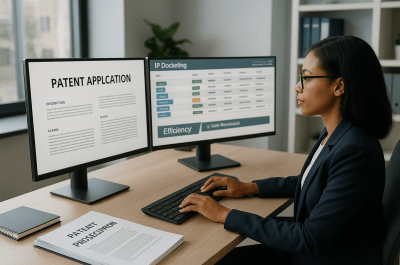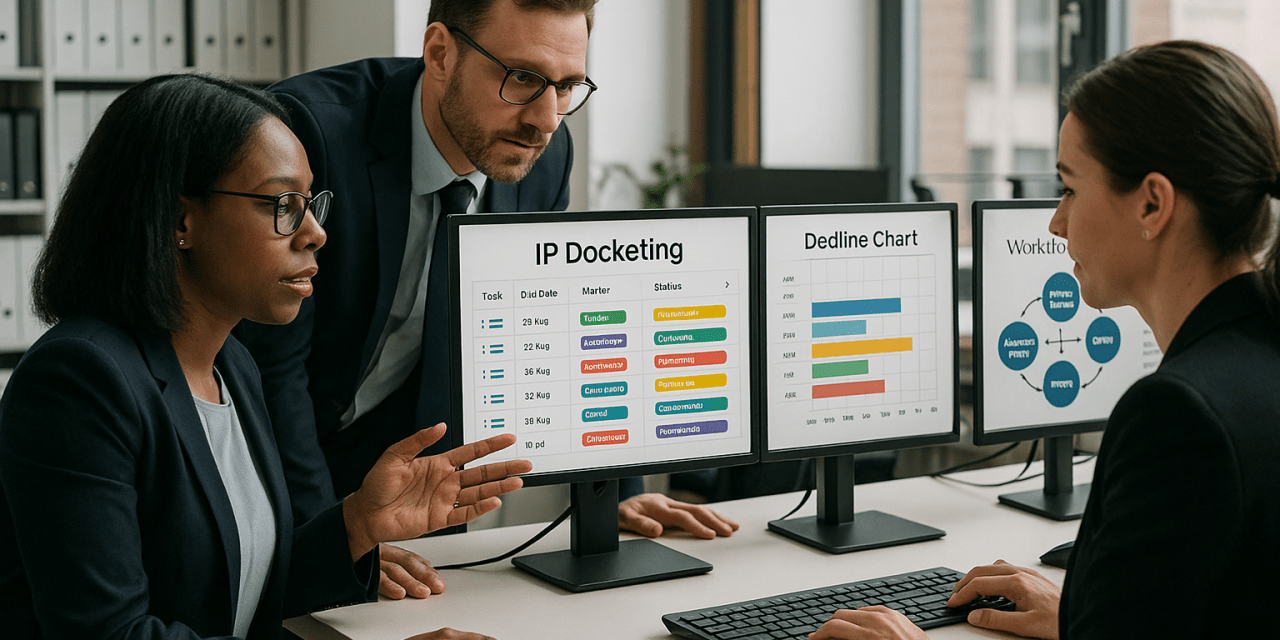
Effective patent docketing is critical to managing intellectual property portfolios, meeting strict deadlines, and ensuring compliance across prosecution workflows. Selecting the right patent docketing software can significantly enhance operational accuracy, reduce the risk of missed deadlines, and streamline workflow integration for law firms, in-house IP teams, and IP docketing services. This guide explores essential features, integration considerations, and best practices to assist IP professionals in making informed software decisions.
For authoritative filing basics, review the USPTO patent basics guide when mapping portfolio software to your patent workflow.
The Importance of Patent Docketing Software in IP Operations
First, Patent docketing software acts as the backbone of IP operations by providing centralized deadline management, task tracking, and comprehensive reporting. It helps docketing managers and legal teams maintain compliance with USPTO and international patent office deadlines, mitigating risks associated with lost or overlooked due dates. With complex patent prosecution workflows, manual tracking is inefficient and prone to error — software solutions automate reminders and status updates, safeguarding valuable IP assets.
Key Features to Look for in Patent Docketing Software
When evaluating patent docketing systems, consider the following critical features:
| Feature | Benefit | Practical Example |
|---|---|---|
| Automated Deadline Calculation | Reduces human error in setting USPTO and foreign office deadlines | Docketing managers can trust that due dates adjust automatically for weekends and holidays |
| Real-Time Alerts and Notifications | Ensures proactive management of upcoming deadlines | In-house teams receive email and system alerts days before critical filings |
| Customizable Workflow Templates | Supports unique prosecution processes and client requirements | Law firms tailor workflows for utility vs. design patent prosecution |
| Robust Reporting and Audit Trails | Facilitates compliance audits and internal reviews | Docketing services generate reports for client status updates and billing |
| Docketing System Integration | Seamlessly connects with other IP management tools and document repositories | Integration with prosecution management systems reduces duplicate data entry |
How Patent Docketing Software Supports Missed Deadline Prevention
Next, Missed deadlines can result in lost rights and significant financial consequences. Patent docketing software prevents these issues through:
- Automated Calculations: Automatically applies official rules for deadline counting, including extensions and holidays.
- Multi-Level Alerts: Notifies multiple stakeholders including docketing managers, attorneys, and paralegals.
- Cross-Checking Mechanisms: Flagging potential conflicts or overlaps in deadlines.
- Audit Logs: Maintaining detailed history for accountability and error tracking.
For example, a docketing manager in a law firm can configure escalation protocols where if a deadline alert is not acknowledged within a set timeframe, additional reminders are sent to supervisors.
Integration with Patent Prosecution Workflows and Other IP Systems
For example, Patent prosecution involves multiple systems, including document management, billing, and client portals. The ability of docketing software to integrate with these systems enhances efficiency and reduces errors.
- Document Management Integration: Automatic linking of office actions and responses to docket entries.
- Time and Billing Systems: Streamlined tracking of prosecution activity for invoicing.
- Client Management Portals: Real-time status updates improve client communication.
Also, Integration benefits docketing managers by eliminating redundant data entry and enabling a unified view of prosecution progress. Related reading: integrating docketing systems
Comparing Leading Patent Docketing Systems: Pros and Cons
Meanwhile, While no one system fits all, here is a high-level comparison of common docketing software options typically evaluated by IP teams:
| Software | Strengths | Limitations |
|---|---|---|
| Legacy On-Premise Systems | Highly customizable, familiar interface for some teams | Costly maintenance, limited remote access |
| Cloud-Based Solutions | Scalable, accessible anywhere, frequent updates | Data security concerns, subscription costs |
| Integrated IP Management Suites | Comprehensive features beyond docketing, e.g., portfolio management | Steeper learning curve, higher upfront investment |
| Specialized Docketing Services with Software | Expert oversight reduces risk of errors, turnkey solution | Less direct control over software customization |
Best Practices for Implementing Patent Docketing Software in Law Firms and In-House Teams
In addition, Successful software adoption requires more than technology — it demands operational alignment and training. Consider these best practices:
- Stakeholder Involvement: Engage docketing managers, attorneys, and paralegals early in software evaluation.
- Data Migration Planning: Verify accuracy and completeness when transferring existing docket data.
- Phased Rollout: Pilot the system with a subset of cases before full deployment.
- Comprehensive Training: Provide role-specific training sessions and user manuals.
- Ongoing Review: Establish KPIs to monitor system performance and user compliance.
These steps reduce transition risks and maximize productivity gains. Related reading: IP docketing best practices
Outsourced IP Docketing Services and Software Solutions
However, Some law firms and in-house teams opt to outsource docketing functions to specialized providers that leverage advanced docketing software. Outsourcing benefits include:
- Access to expert docketing professionals with deep procedural knowledge
- Reduced staffing and training overhead for internal teams
- Mitigation of missed deadlines through dedicated monitoring and escalation
- Software solutions tailored to support outsourced workflows
As a result, When combined with robust docketing software, outsourced services can enhance accuracy and provide scalable support. Related reading: outsourced IP docketing support
Future Trends in Patent Docketing Technology
Emerging technologies continue to evolve docketing software capabilities:
- Artificial Intelligence: Predictive analytics to flag high-risk deadlines or unusual prosecution patterns.
- Robotic Process Automation: Automate routine data entry and deadline calculations further reducing manual work.
- Enhanced Cloud Collaboration: Real-time teamwork across dispersed legal and docketing teams.
- Advanced API Integrations: Greater interoperability with external patent offices and IP management tools.
Staying informed about these trends can help IP teams future-proof their docketing operations.
Frequently Asked Questions
What is patent docketing software and why is it essential?
At the same time, Patent docketing software is a specialized tool designed to manage and track patent-related deadlines and tasks. It is essential because it reduces human error, ensures compliance with strict filing deadlines, and supports efficient management of complex prosecution workflows.
How does patent docketing software help prevent missed deadlines?
Finally, By automating deadline calculations, providing multi-level alerts, and maintaining audit trails, the software ensures timely notifications and accountability to prevent deadlines from being overlooked.
Can patent docketing software integrate with other IP management systems?
First, Yes, many patent docketing systems offer integrations with document management, billing, and client communication platforms, streamlining data flow and reducing duplicate entry.
What features should law firms prioritize when choosing docketing software?
Next, Law firms should prioritize automated deadline calculations, customizable workflows, real-time alerts, integration capabilities, and robust reporting functions tailored to their prosecution processes.
Are there benefits to outsourcing IP docketing services alongside software adoption?
For example, Outsourcing combined with advanced software can provide expert oversight, reduce internal resource burdens, and enhance compliance through dedicated monitoring and escalation procedures.
This article is for informational purposes only and does not constitute legal advice.
Conclusion
Also, Choosing the right patent docketing software is a strategic decision that impacts the efficiency, accuracy, and compliance of IP docketing services and legal teams. By focusing on critical features, integration potential, and best practices for implementation, law firms and in-house IP teams can significantly reduce missed deadlines and streamline prosecution workflows. Whether adopting cloud-based systems, integrated suites, or outsourcing docketing functions, aligning technology with operational needs is key.
Meanwhile, Schedule a consultation with IP Docketers to optimize your patent docketing processes and select the best software solutions tailored to your team’s needs.
Related reading: preventing missed IP deadlines
Related reading: patent prosecution workflow management
Practical Next Steps
In addition, Map every active docketing system, identify where deadlines are entered or reviewed, and confirm which team owns the final QA check before critical prosecution dates.
However, Teams should also review escalation paths, audit reporting, manual override controls, and system integrations so operational risk is reduced before the next deadline spike.